
Generated client code still ships the signing secret if nobody reviews the diff. Zens is publishing official framework packages that mount a provider in the application shell, keep the identity hash on the server, and leave session recording off until a team turns it on.
An AI IDE can paste the install prompt from Settings and produce a working widget in one pass. The same pass can also drop a signing secret into a public environment variable or a Client Component. Procurement reviewers on a finance desk already know that failure. The packages exist so the default path does not require that leak.
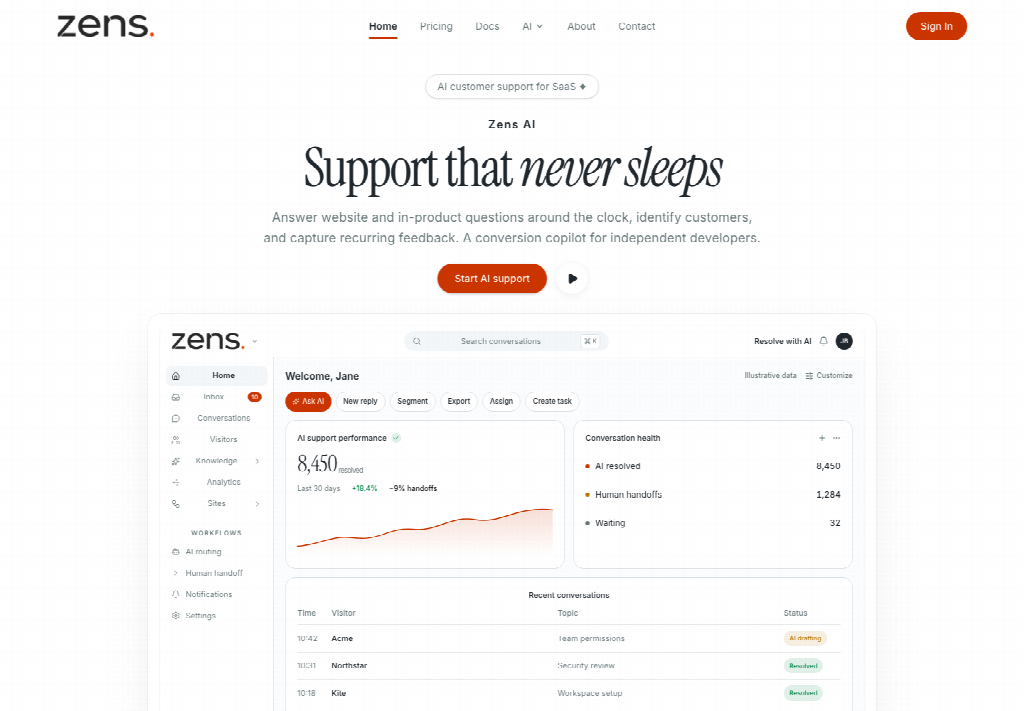 Generated Diffs Still Ship The Signing Secret
The public integration guide now tells teams to copy an AI IDE prompt from the selected site, paste it into Codex, Claude Code, Cursor, or another trusted assistant, then review the generated changes before commit. The prompt includes the current site id, the SDK snippet, the server-side signing example, and the identify call shape.
The danger is in the last two files. If the prompt only contains a masked signing secret, the assistant cannot finish a safe identify path. If someone then pastes the real secret into a client bundle "just to see a hash," the first preview of the widget works and the secret has already left the server. That packet would never clear a security review that asks where identity signatures are calculated. A finance incident review that later asks who approved the last customer-facing identity claim will open those two files first, not the model card.
Reviewers should reject three shapes on sight: a public environment variable that holds the signing secret, a Client Component that imports the secret to mint a hash, and a commit that "temporarily" logs the hash input next to an email. Each one turns a follow-up thread into a disclosure. The time cost is not the install. It is the rotation and the apology that follow.
The launch is aimed at that leak. A widget that identifies a billing owner from a browser-held secret is not an integration. It is an impersonation door.
Official Packages Keep The Hash On The Server
React applications can install the official provider and typed client. Next.js App Router and TanStack Start applications can install their framework packages instead. Those two packages include server-only identity helpers and re-export the React client API. Manual browser SDK install remains for stacks that are not a fit.
The published boundary is three lines. The site id belongs in the browser and names the customer site. The signing secret stays on the server and must never ship to a browser, a mobile client, a public repository, or a customer-visible log. The signed identity payload connects an anonymous visit to a real account only after the backend confirms the user.
Mount the provider once in the application shell. Pass the public site id. Generate the signed user hash on the server with the server-only package export. Never expose the signing secret through a public environment variable or a Client Component. That sentence is the first-release claim.
Next And TanStack Re Export The React Client
The Next and TanStack packages are not a second product. They wrap the same React client and add the server-only helper so an App Router or TanStack Start tree does not invent a second signing path. Login and register URLs can be passed into the provider so an anonymous visitor who writes before identify still sees the product's own account routes next to the email prompt.
If those routes are omitted, the widget still asks for an email so a follow-up can leave the building after the visitor closes the tab. Omit both only when the site intentionally has no account entry. The email is a follow-up address. It is not account proof.
Session Recording Stays Off In The Provider
The official provider example sets session recording to false. Growth and Business plans can include session recording as a workspace capability. The first-release default in the package is still off. A finance or trust reviewer who opens the install looking for a hidden recorder should find that flag before anyone debates a model name.
That default matters on a desk that already fights session replay in procurement. The widget on Zens AI can stream an AI self-service reply as it is generated, and it can send an attached image and typed text as one visitor message. Neither of those behaviors is a recorder. Turning recording on is a later, named choice. Leaving the flag false is how a first public week stays boring.
A site that wants analytics and identity without a visible chat button can disable the widget in the snippet path. A custom take-over control can still call the published handoff method. Those two controls do not require recording. They also do not replace the server-only hash. A reviewer who only checks that the button is hidden has not checked whether the secret stayed off the client.
Rotate The Secret When The Prompt Is Masked
Create the customer site inside the workspace first. Open Settings, choose Sites, add the production domain, copy the site id, and store the one-time signing secret in the backend secret manager. Copy the AI IDE prompt only after that secret is saved. If the prompt shows a masked signing secret, rotate the secret in Settings before asking the assistant to finish the integration.
Recommended backend names in the public guide are a site id variable and a signing secret variable. Use the site id in backend code that has to associate signatures or site-scoped calls with the current site. Treat server-side signatures as the first review rule in every release checklist.
Backend Variables Deploy Ahead Of Product Code
The published order is strict. Deploy backend environment variables first, then deploy the product code that calls identify. Reverse that order and the first production login fails with an invalid identity signature while the widget still looks finished. Support then spends the morning on a signature error that was an empty secret, not a model miss.
Cloudflare Workers and Node backends both appear in the guide as places the hash can be calculated. The rule does not change with the runtime. The secret stays off the client. The hash is lowercase hex. The input is the same stable user id later sent to identify. Email, plan, registration time, and traits ride after that signature. They are not a substitute for it.
Separate Sites Keep Staging Events Out Of Production
Use a separate site record for local development, staging, and production when those environments use different domains. Test events then stay out of production reporting, and origin checks stay readable. A checkout event fired from a staging host should not land on the production support graph that finance reads during an incident.
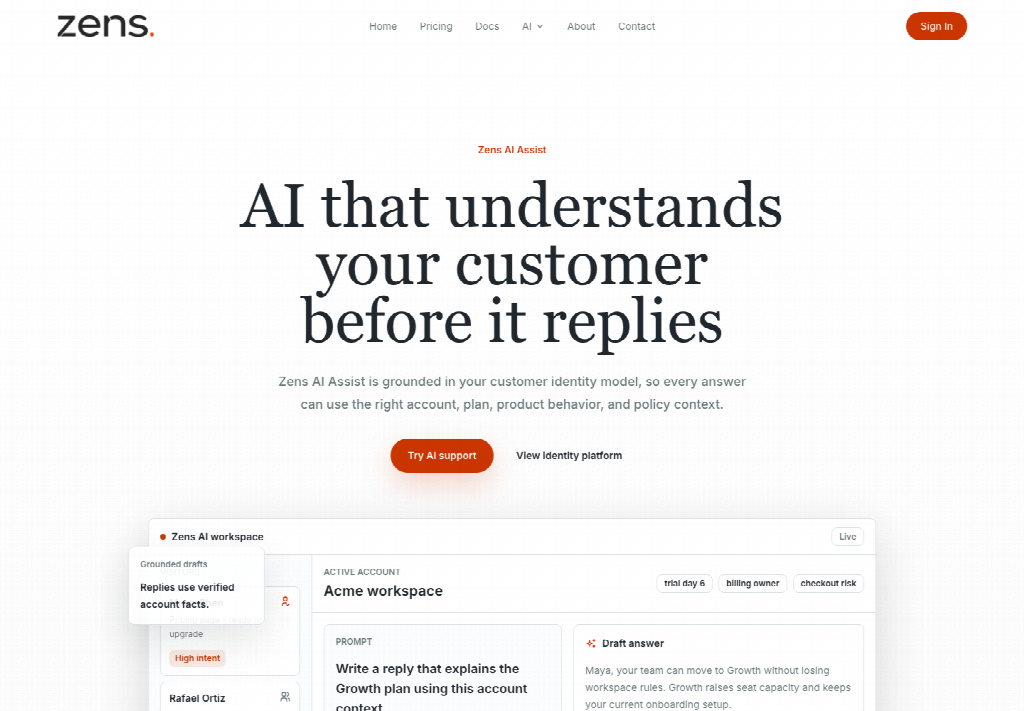
Call identify after login and whenever the signed-in user or workspace changes. A billing owner who switches workspaces and keeps the previous plan in the widget has already invented a second account on the thread. The package does not prevent that if the product never calls identify again. The first-release note still names the call as the moment the profile must update.
Traits that help a human reply can ride after the signature: seats, billing-owner, lifecycle stage, locale, a feature name. The guide's minimization rule still applies. If a support agent would not need the field to answer, keep it out of identify and out of track. A privacy-aware install keeps the workspace focused and reduces the chance of sending a legal record into support tooling by accident. That is a finance constraint as much as an engineering one.
Forgotten Secrets Are Rotated Not Recovered
If the original signing secret was never copied, do not ask support to reveal the old value. Rotate the signing secret from the selected site in Settings. The new full secret is shown once. The stored preview updates to the new ending. Save the new value in the backend secret manager immediately. After rotation, new identify signatures must use the new secret. Anonymous pageview tracking from the browser SDK is unaffected.
That split is the operational fact a finance reviewer can take to a change window. Rotation does not wipe anonymous traffic. It does invalidate every identify hash minted with the old secret. A deploy that updates the widget and forgets the secret leaves signed users looking like strangers until the backend catches up.
Where Framework Packages Still Need The Snippet
The official packages cover React, Next.js App Router, and TanStack Start. Other stacks still use the manual browser SDK in the global layout. The packages do not invent a second identity model, and they do not remove the need for a person to review an AI-generated diff. Session recording can still be turned on later at the plan that includes it.
Review The Diff Before The Identify Call Ships
Zens AI is publicly shipping the framework packages for teams that already have a backend secret store and a reviewer who will reject a Client Component that imports the signing secret. Use them if the install has to stay server-signed and if session recording should stay off on day one. Skip them if the stack is not React-family, if nobody will read the generated env handling, or if the only plan is to paste the secret into a public variable so the hash appears in the browser console.
The first useful proof is a small diff. Zens AI is doing the announced job if the provider mounts once, the hash is born on the server, recording stays false, and a workspace switch updates the profile. If the secret still appears in a client bundle, discard that commit. The widget can wait.
Media and buyers can ask to see the provider flag and the server-only export in any demo that follows. Zens AI is available now with that review stop as the first-release note.